How to Order: A Step-by-Step Guide for Efficient Purchasing
How to Make a Purchase
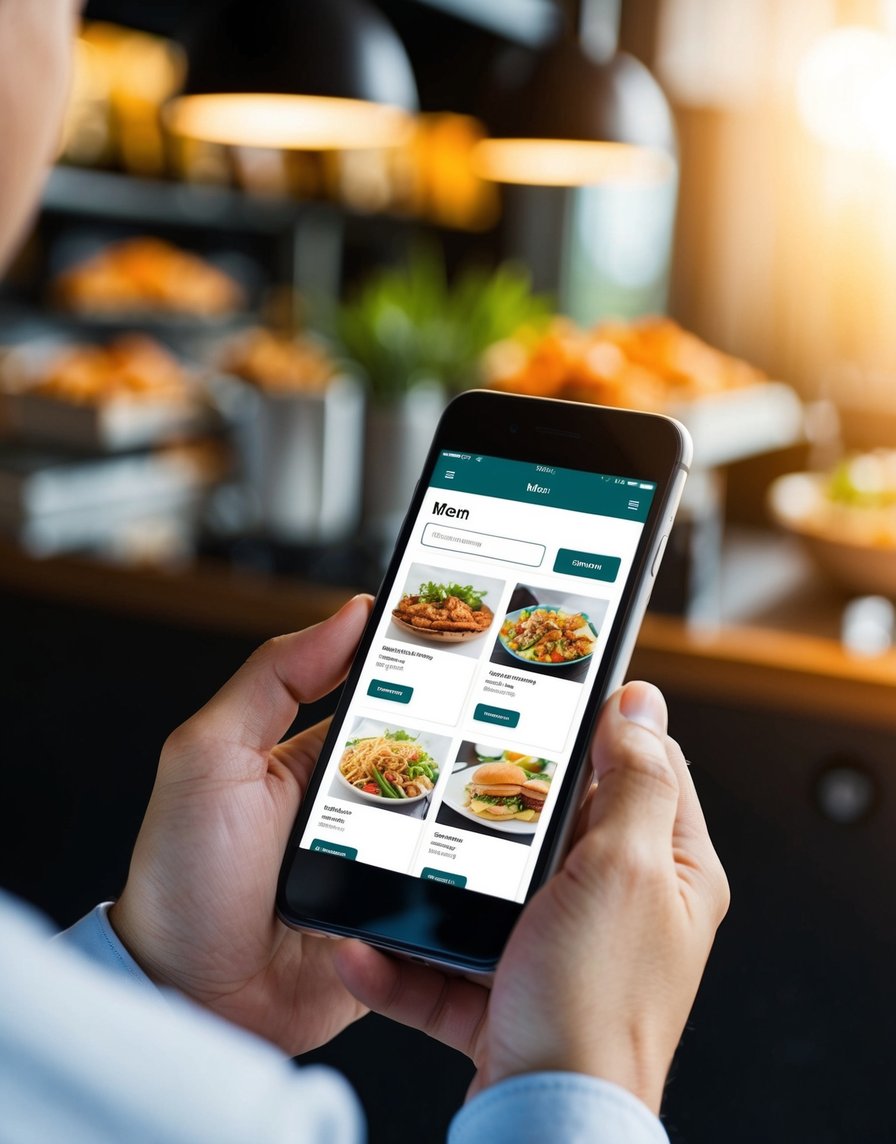
Getting Started
Click on the item you want to buy. Then tap the “Order On Insta” button. This takes you to WhatsApp to complete your order. Type in your full name, address, and email.
Finalizing Your Order
We’ll send you payment info after getting your shipping details. You can choose PayPal or bank transfer. Once we confirm your payment, your order is set. You’ll get a tracking number when it ships. All payment method accepted.
Email Ordering Option
You can also order by email. Send a picture of the product you want to [email protected] Include your shipping info. We’ll reply with payment instructions. Your order is confirmed after payment, and you’ll get a tracking number later.
Important Details
We offer top-quality items in full packaging. Payment options include PayPal, credit card, Wise, and Bank transfer. We don’t have cash on delivery since we ship worldwide. We use FedEx, DHL, and UPS for shipping.
Common Questions About Ordering